
By time
Listen back and set the start and the end exactly where you want them. You don't need a transcript for this.
We use privacy-friendly analytics without cookies. For measuring ad conversions we only place a marketing cookie with your consent. Learn more
Clips
Pick the part of your episode you want people to hear. You get a short video of it, with subtitles and in your own style. Ready for Instagram, TikTok, LinkedIn and YouTube, without any editing.
You make your first clip during your trial. No credit card needed.
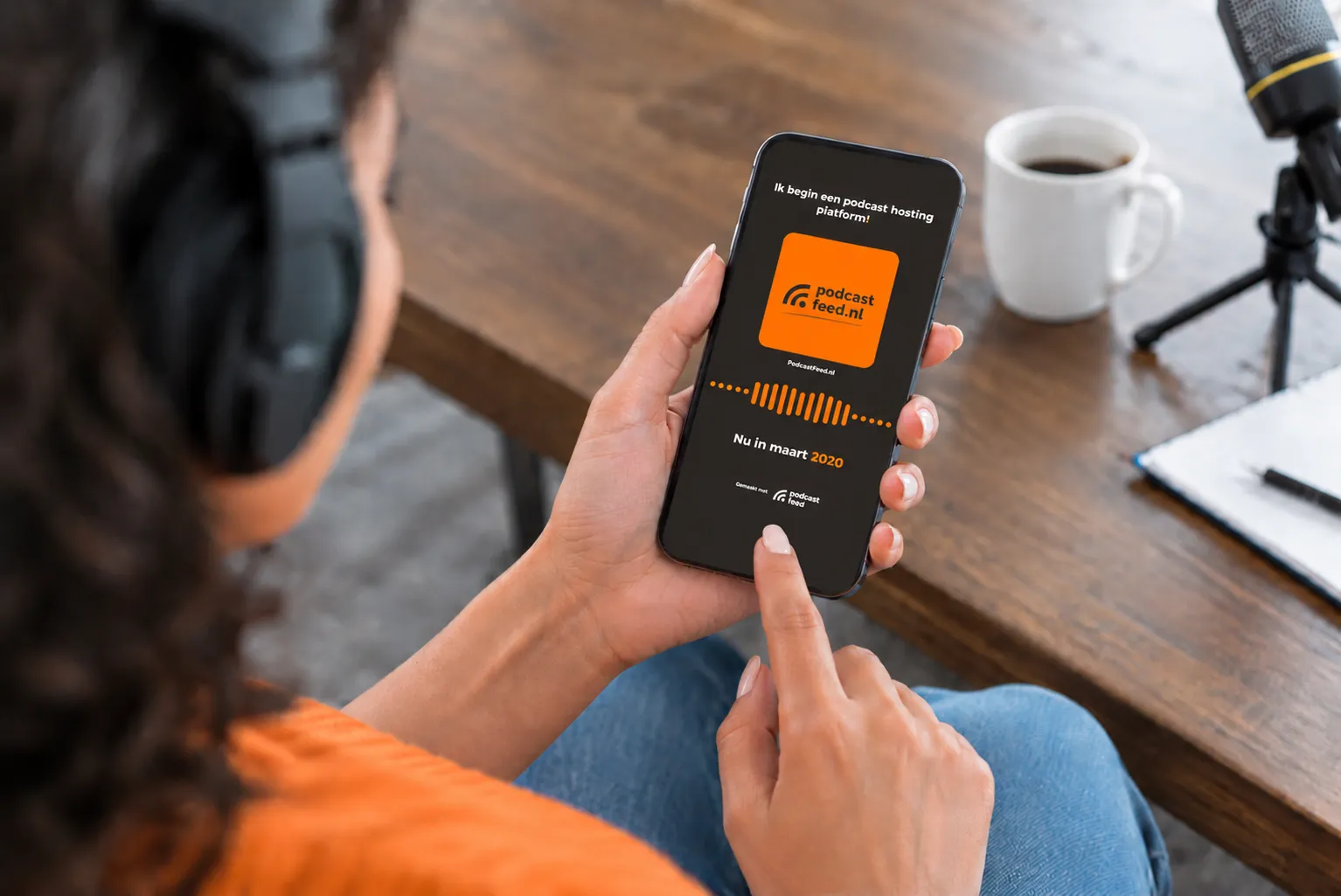
Most people scroll right past a link to your episode. They stop for a face, a sentence or a bit of text that grabs them. With a clip they hear half a minute of what your episode is about, and read along. That's how you end up where your followers already are.
How it works
A few sentences or a short passage, a minute and a half at most. You pick it in the audio or in the text of your episode.
A good headline holds people longer than the prettiest waveform. Put one word in your accent colour, and you see right away how it turns out.
Within a minute your videos are ready, in three formats. On your phone you share them with one tap. Rather download them? Then you simply get the cover image and the subtitles too.
Picking your moment
Listen back and set the start and the end exactly where you want them. You don't need a transcript for this.
Roughly remember what was said? Search for a word and click the sentence. Add the sentences before or after until it fits. The text comes from your episode's transcript: you have it made in PodcastFeed, or you upload your own.
No idea where to start? Let AI read your episode. You get three fragments that stand on their own, each with a headline. Pick one, tweak it, or choose your own after all.
House style
You set up your house style once: colours, font, background and the shape of the waveform. After that, every new clip gets that style automatically. Need one clip to look a little different? Change it on that clip, and your house style simply stays as it is.
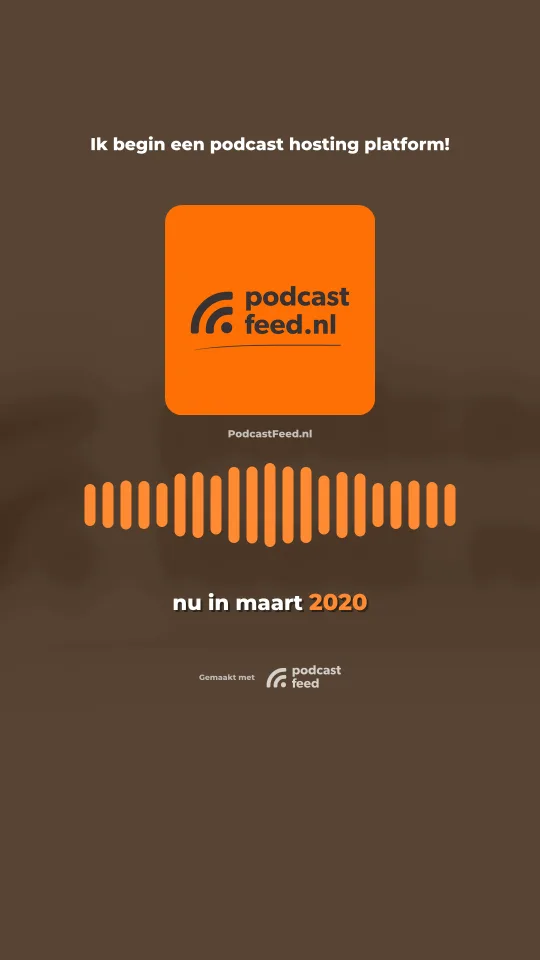
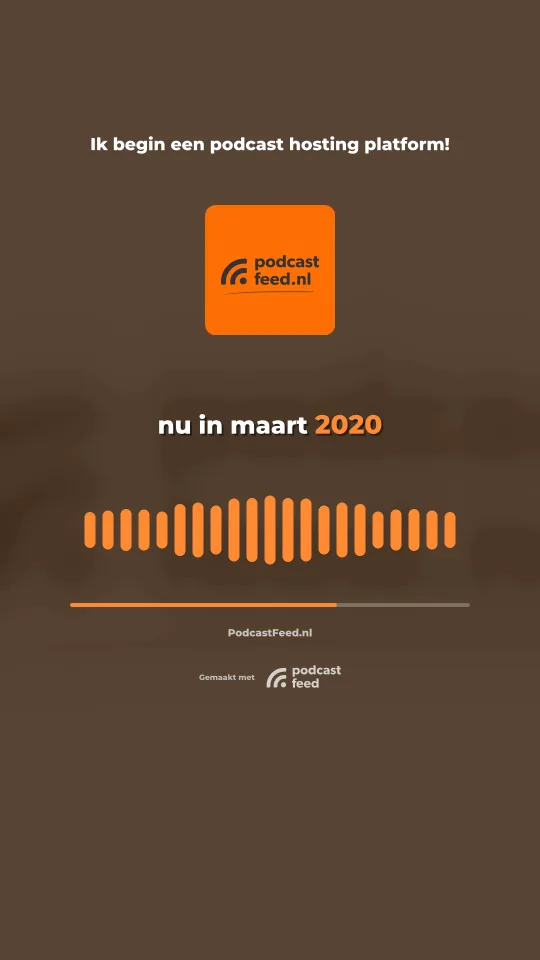
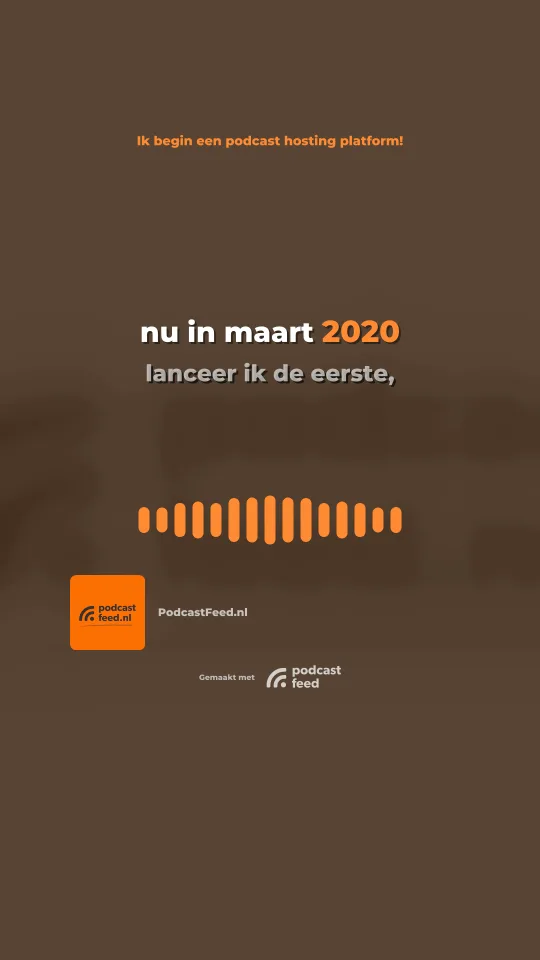
Choose from three designs per clip: your cover large in the frame, a calm full frame, or the quote in big letters. The subtitles follow what is being said, word for word.
Formats
Which platform are you making it for? You don't have to choose. You get every clip in portrait, feed and landscape at the same time.
9:16
for Reels, TikTok and Shorts
4:5
for the Instagram, Facebook and LinkedIn feed
16:9
for LinkedIn, YouTube and X
Privacy
The transcript and the suggestions come from Mistral, a European company. For the transcript and for the word timings of a clip, only the selected piece of audio goes to Mistral, for the suggestions only the text of your episode. The suggestions are the only step you opt into yourself: in every plan you can also simply pick a moment yourself.
Podcasting 2.0
Turn on one switch and your moment also goes into your RSS feed. Apps that support Podcasting 2.0, such as Fountain and Podverse, play it as a preview with your episode. That way your clip does its job outside social media too.
Plans
As many clips as you like, in three formats and in your own style. There's a small PodcastFeed logo in it.
Everything in Basic, and AI suggests the fragments and the headline for you.
Everything in Standard, without the PodcastFeed logo.
During your trial you make one clip. That way you see for yourself how it works.
Upload your episode, pick your moment and share it. You make your first clip for free during your trial.